CR
Reply to creative.jordan'scomment
Wait, where can I find this?
Reply to creative.jordan'scomment
Wait, where can I find this?
Use the generator on a desktop, tablet, or mobile phone. The editor adjusts to the size of your screen. Create, preview, and download comment images wherever you work.
Use TikTok Comment GeneratorCreate one comment image or make several at once. Use Single mode for one comment. Use Bulk mode when you want to create a group of comments in less time.
Start with TikTok Comment GeneratorCreate comment images for TikTok, Instagram, YouTube, and X in one place. Each platform comes with its own comment styles and settings. Switch between platforms from the same editor.
Try TikTok Comment GeneratorChange the comment settings in the editor and preview the result instantly. Check the name, photo, text, time, likes, and replies before you download. Every update appears in the preview right away.
Preview with TikTok Comment GeneratorEdit all the details shown in your comment image. Change the username, profile photo, comment text, blue check, time, likes, and replies. Extra settings such as display name, reposts, and views are available on supported platforms.
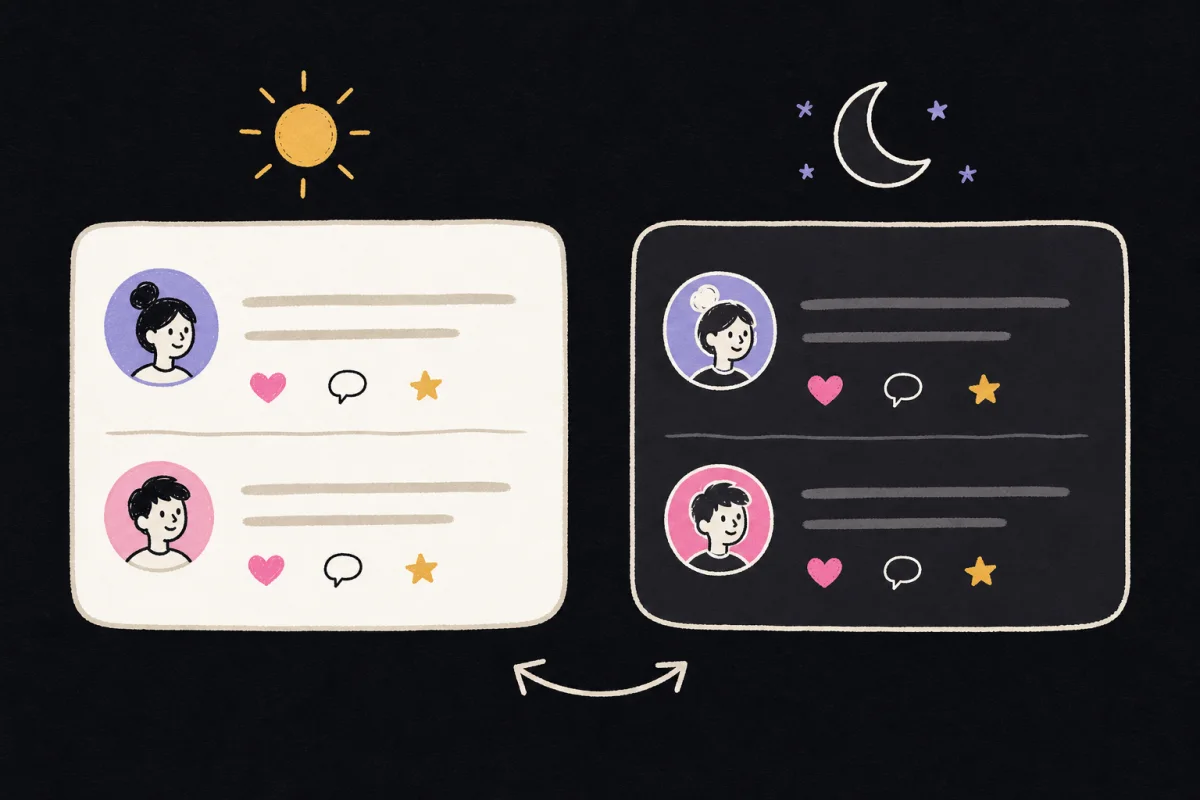
Customize with TikTok Comment GeneratorChoose light or dark mode for your comment image. Switch between both styles without losing your edits. Compare the two previews and download the one that fits your design.
Try Themes in TikTok Comment GeneratorTikTok Comment Generator is an online tool for creating custom TikTok comment images. Add your own username, profile photo, comment, time, likes, and replies.
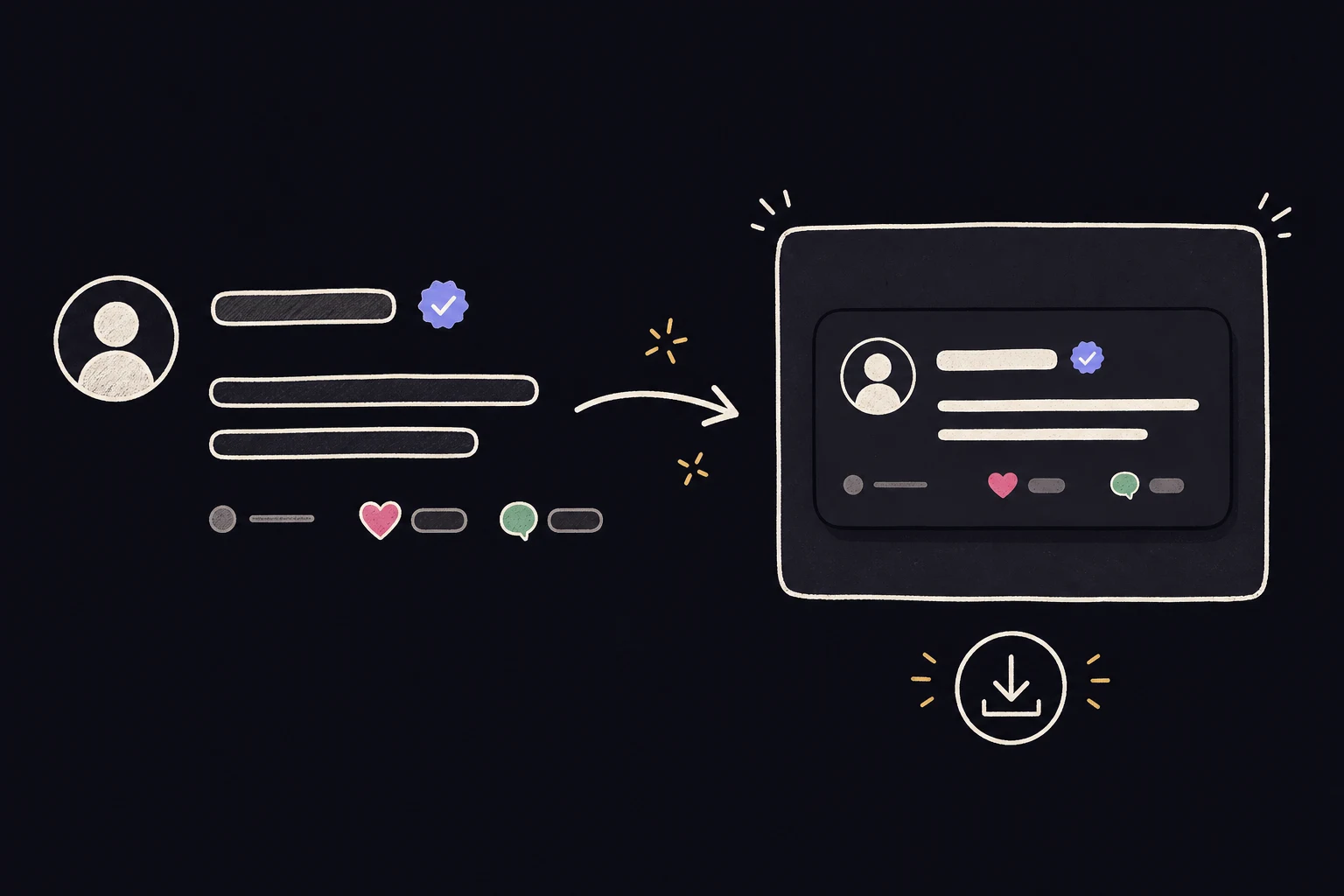
Create one image with Single mode or make several with Bulk mode. Check every change in the live preview, choose light or dark mode, and download the finished image.
You do not need to build the comment layout in a design app. The layout is ready to edit, so you can make the image faster and keep every detail in one place.
Use TikTok Comment Generator in four simple steps.
Choose Comment Reply or Video Comment. Comment Reply creates the speech bubble used in reply videos. Video Comment creates the comment card shown under a TikTok video.
Enter the username and comment text. Upload a profile photo. Set the time, likes, and replies. Turn the verified badge on or off as needed.
Review the comment image while you edit. Every change appears in the preview right away. Check the text, photo, and numbers, then choose light or dark mode.
Check the final result and download the finished image. The image is saved to your device and is ready to add to your project.
See each edit right away in TikTok Comment Generator. There is no need to wait for the preview to load after every change.
Create images in light or dark mode with TikTok Comment Generator. Switch between both styles and choose the one that fits your project.
Download a clear image from TikTok Comment Generator. Text, profile photos, and icons stay sharp in the finished file.
Use TikTok Comment Generator to create several comment images in one job. Add your details, check the results, and download the full set together.
Pick a plan that fits your needs.
($29 / year, billed yearly)
TikTok Comment Generator offers a free version for creating comment images. Subscribe to unlock more exports, HD downloads, Bulk Generation, and more features.
No. TikoComment does not connect to your TikTok account. You can open the editor and create a comment image without signing in to TikTok.
TikoComment supports TikTok, Instagram, YouTube, and X. Each platform has its own comment styles and settings.
You can change the username, profile photo, comment text, verified badge, time, likes, and replies. You can also choose light or dark mode. Available details may change with the platform and comment style you select.
You can choose Comment Reply or Video Comment. Comment Reply creates a speech bubble for a reply video. Video Comment creates the comment card shown under a TikTok video.
No. We do not add watermarks to downloaded images.
Yes. The editor works on desktop computers, tablets, and mobile phones. The layout adjusts to fit your screen.
Customize the details, preview the result, and download your image in just a few clicks.